

How it works

From devices
to decisions.

Turn activity across your physical-security infrastructure into insights your team can act on.

  1. Physical Security Systems

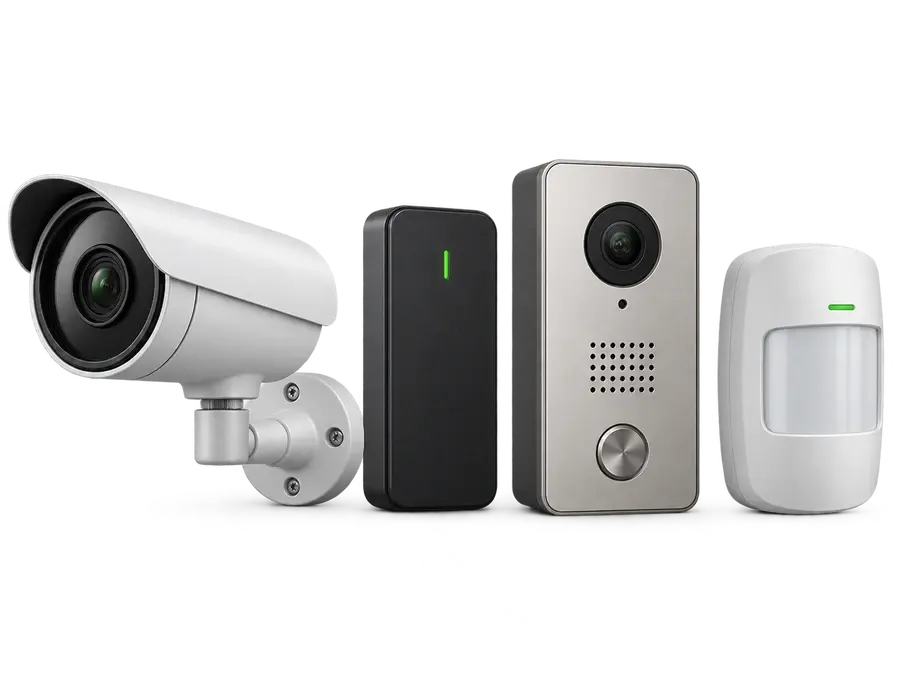
    Illustrative camera, access reader, intercom, and motion detector

    Cameras, access control, intercom and intrusion detection.

  2. Visibility of Cyber Risks

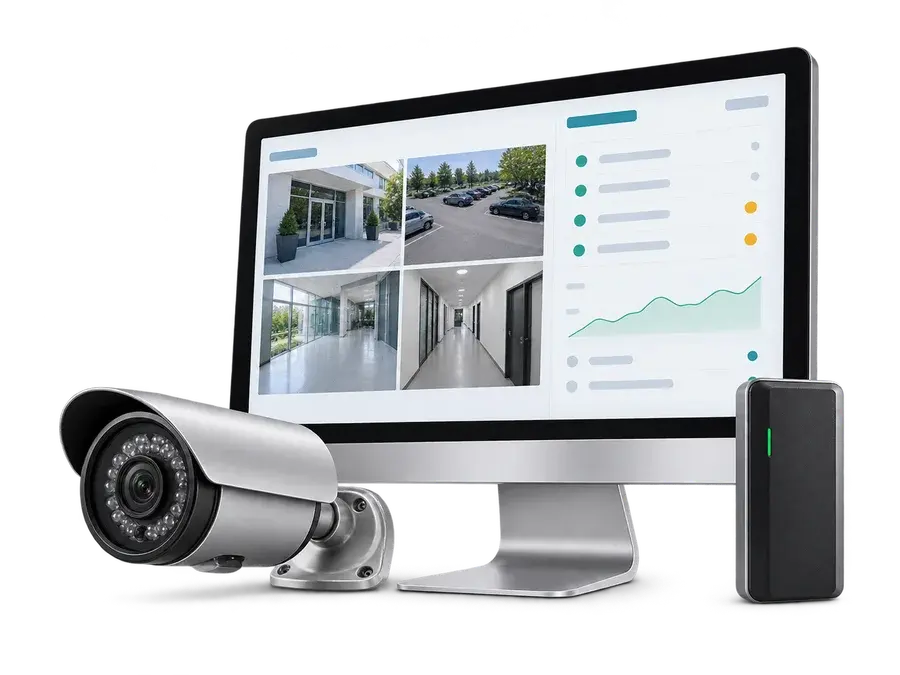
    Illustrative security monitor showing camera feeds and device risk indicators beside a camera and access reader

    See vulnerable devices, exposed services and suspicious activity.

  3. Context for Your Team

    Illustrative security professionals reviewing a customer environment together on a laptop

    Understand which environment is affected and why the risk matters.

  4. Clear Priorities

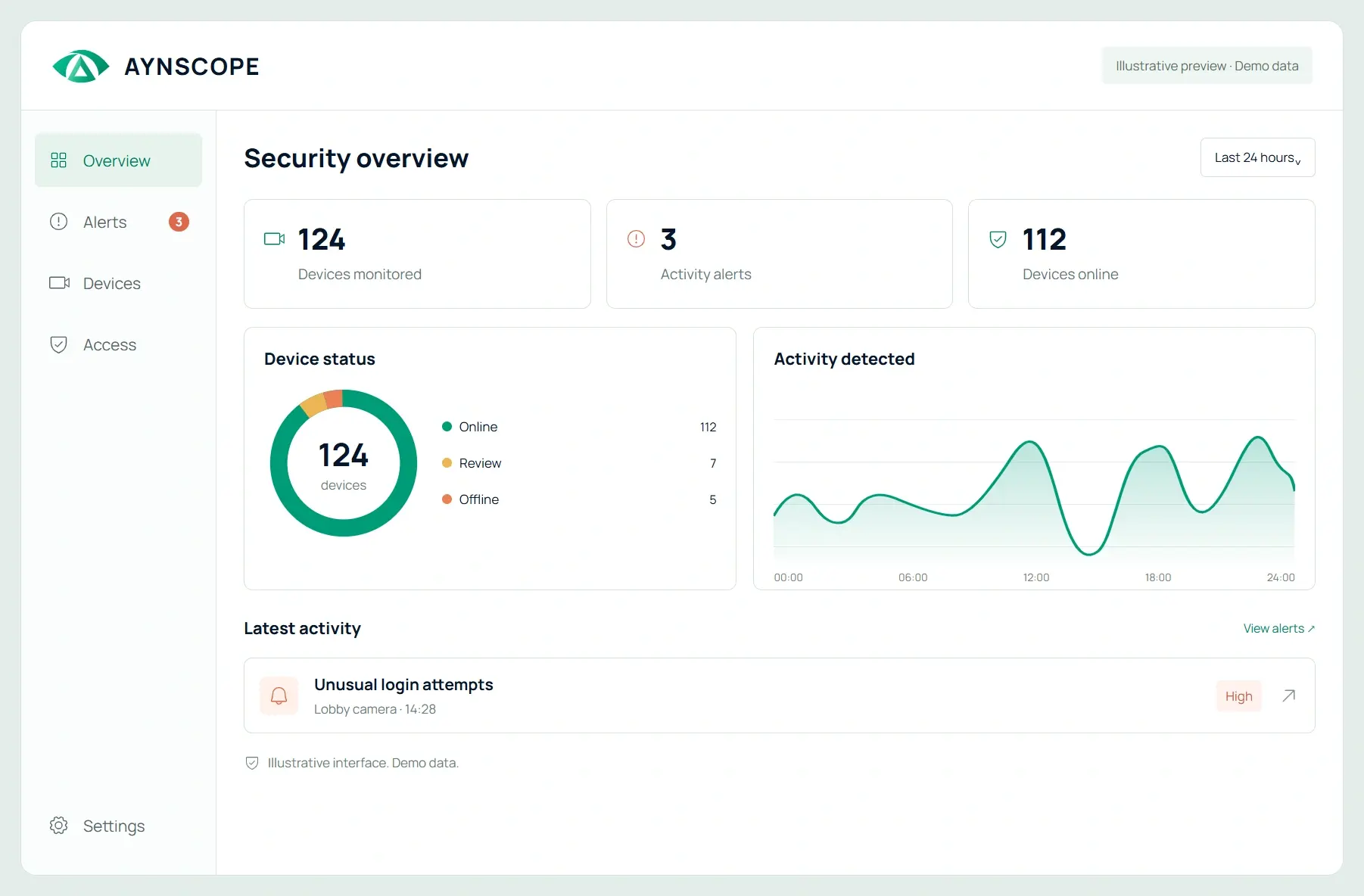
    Illustrative security overview on a laptop screen

    Prioritize review with clear insights and recommended next steps.

Illustrative imagery, hardware and interface. Support depends on your environment.

Start with your environment.

Get a clearer view of the cameras, VMS platforms and connected physical-security systems your team is responsible for.

Choose the AYNScope proposition that fits your service and data-location needs. We’ll discuss compatibility with your environment during a demo.

Bring the risk into focus.

See vulnerable devices, outdated firmware, exposed services and unusual activity. Understand which environment needs attention and why it matters.

Give your team a next step.

Review incidents and security insights, prioritize investigation, and consider the recommended action. Your team keeps control of the response.

Explore the use cases

A cybersecurity layer for your environment.

Let’s talk about your environment and the security challenges you want to solve.

Book a demo